Single Instruments Samples Vs Multi-layered Samples
Slooply makes it easy to find samples with just one instrument or multiple instruments (multi-layered). If you’re looking for samples with a single instrument, go to the search page and click the “Single Instruments” button under the search bar. This will show results with only one instrument in the sample. If you’re looking for samples with complete compositions or song starters, choose the “Multi-Layered” button.
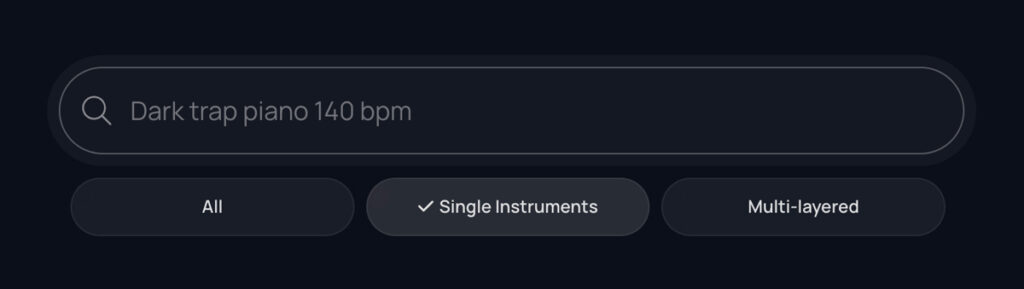
You can also filter sounds this way using the filters section on a product, instrument or other category page.
Show Multi-Layered Samples
In the “Instruments” filter tab, select “Multi-Layered” if you want to search for samples with multiple instruments.
Exclude Multi-Layered Samples
If you want samples with just one instrument, go to the “Instruments” tab, choose “Exclude,” and then click on “Multi-Layered.” This way, only samples with single instruments will appear.