How do I enable sound looping?
You can now loop sounds directly in the app! After playback, each sound can automatically repeat, making it easier to experiment with layers and transitions. To enable looping, go to Account Settings → Enable Looping in the top-right corner of the app.
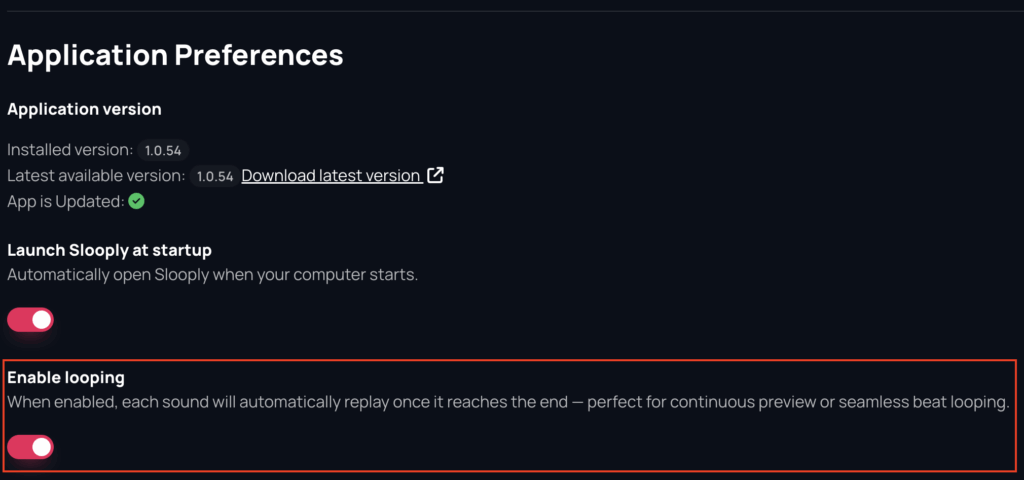
This feature is available starting from version 1.0.54. Make sure you’re using the latest version of the app. Read more about how to update the application.